Bloom
Bloom is a post processing technique used to give bright light sources and brightly lit regions of the scene a glow effect. This effect results in the light bleeding around such brightly lit regions, giving an illusion usually associated with intense brighness.
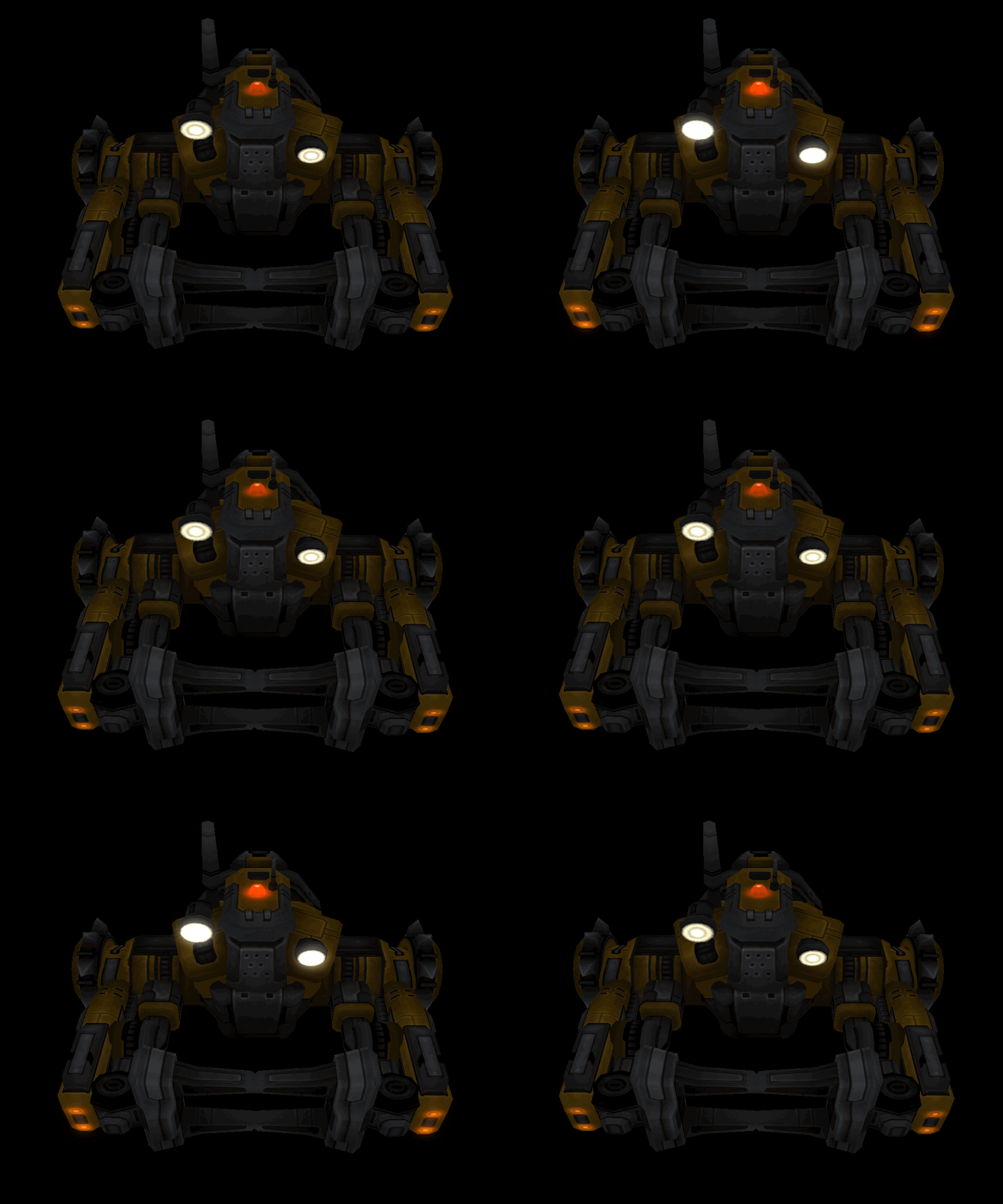
We can see the effect in work in the picture above. Turning on the effect adds a subtle glow to the light sources on the vehicles body.
The project was inspired by an article from Nvidia on real-time glow and implemented for the CS-562: Advanced Real-Time Rendering Techniques coursework I took at DigiPen Institute of Technology.
The renderer for the project was written using C++, OpenGL, and GLSL.
1 An overview of the technique
The technique can be summarized as follows: First, we capture the scene in two separate images:
- The first image contains the scene’s color output
- The second image contains only the brightly lit regions of the scene.
This can be achieved in a single pass using Multiple Rendering Target (MRT) that allows us to specify more than one fragment shader output for a framebuffer.
| Color Output | Brightly Lit Regions Of The Scene |
|---|---|
 |  |
Extracting brightly lit regions in the scene into a texture
The next step is to blur the texture containing the bright regions of the scene (shown in image above on the right). The intensity of the bloom effect depends on both the radius and weight of the blur kernel. To achieve this, we render the texture into another floating-point framebuffer and apply a Gaussian blur, implemented as two one-dimensional convolution passes (horizontal and vertical).
| Brightly Lit Regions Of The Scene (Before Blur) | Brightly Lit Regions Of The Scene (Post Blur) |
|---|---|
|  |
Running the texture capturing brightly lit regions of the scene though Gaussian blur filter
The blurred texture from the previous step is what creates the glow, or light-bleed effect. In the final stage, we simply combine (additively or with a weighted blend) the original color texture and the blurred texture. Because the bright areas have been expanded in both width and height by the blur, those regions now appear to emit light, producing the bloom effect.
| Original Scene | Scene with Bloom |
|---|---|
 |  |
Final image after combining the original image with blurred emissive texture

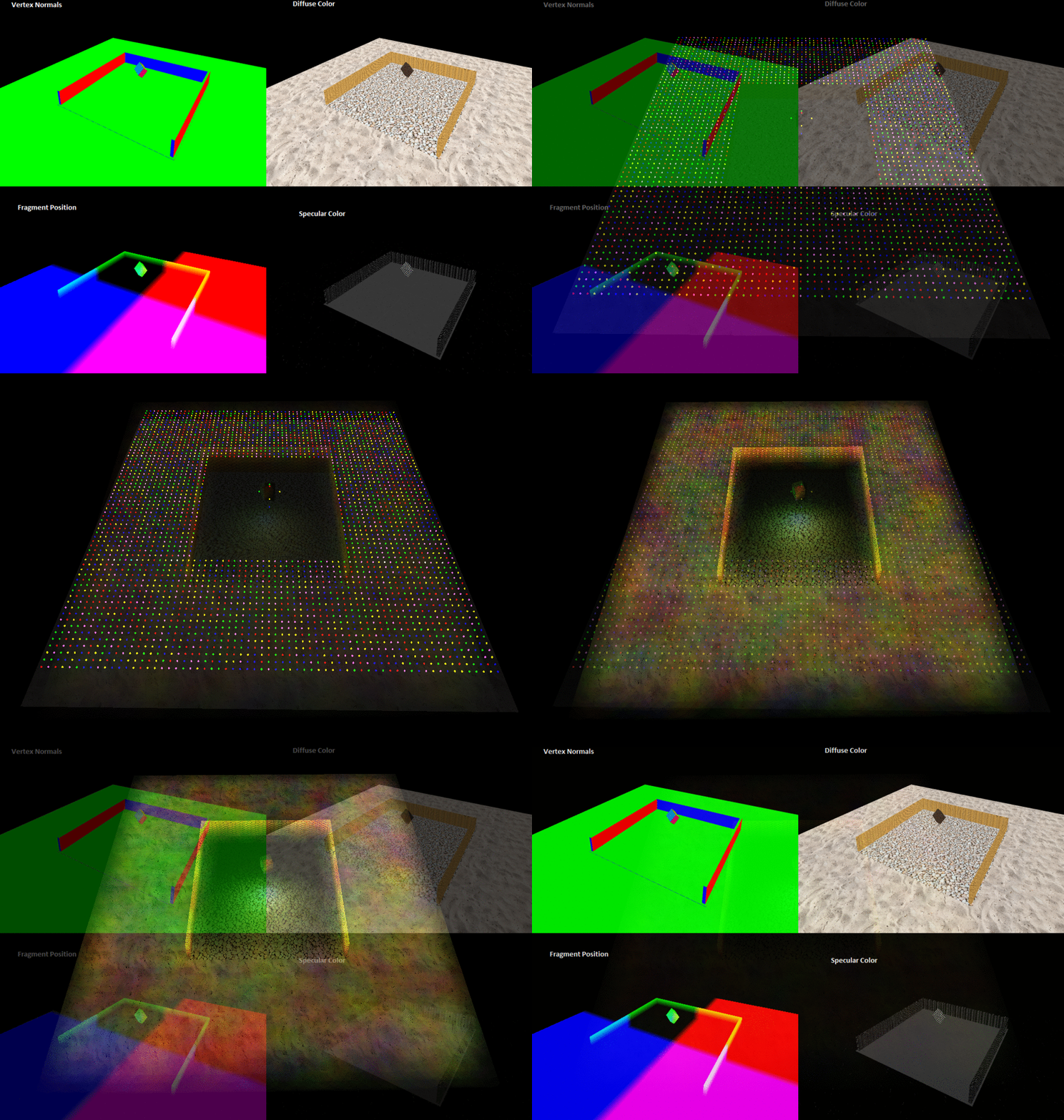
All stages of the bloom post-processing effect
2 Results


3 Future work
Bloom works best with HDR rendering. The demonstration here uses non-HDR emission textures to simulate brightly lit regions in the scene. It would be interesting to test the technique with HDR assets.